
Jump to content
View in the app

A better way to browse. Learn more.

Max3D.pl

A full-screen app on your home screen with push notifications, badges and more.

To install this app on iOS and iPadOS
  1. Tap the Share icon in Safari
  2. Scroll the menu and tap Add to Home Screen.
  3. Tap Add in the top-right corner.
To install this app on Android
  1. Tap the 3-dot menu (⋮) in the top-right corner of the browser.
  2. Tap Add to Home screen or Install app.
  3. Confirm by tapping Install.

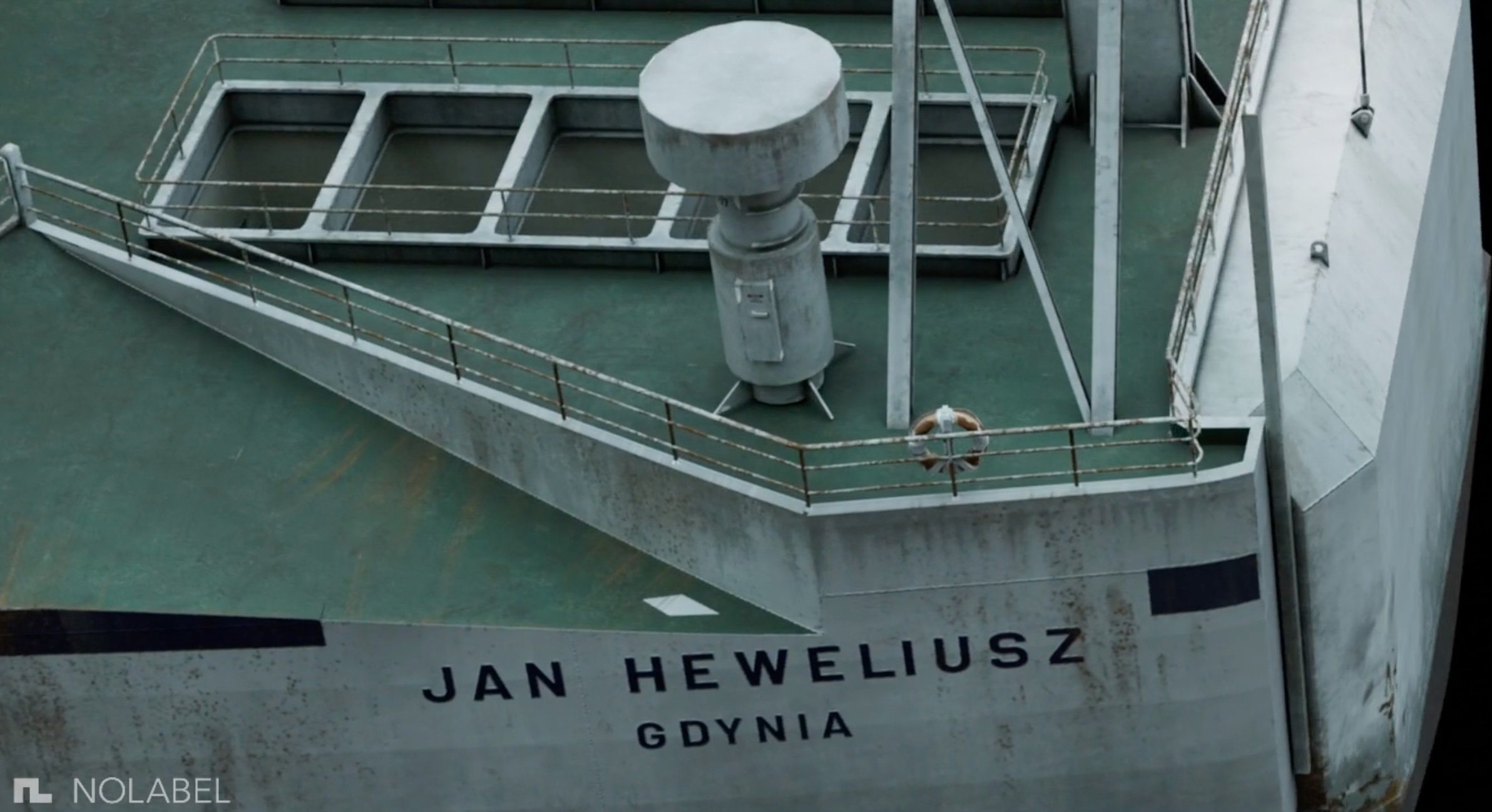
Studio NOLABEL zamieściło na swojej stronie VFX Breakdown "Heweliusza". Krakowskie studio NOLABEL odpowiedzialne było za efekty specjalne w serialu Netflixa.

User Feedback

Recommended Comments

(edited)

To jest magia absolutna. Nie umiem sobie przypomnieć kiedy coś zrobiło na mnie takie wrażenie. ILM'y się mogą schować ze swoimi wytworami. Wielkie gratulacje dla ekipy!

Edited by piotr_forkasiewicz

Niesamowite. No i jak długi materiał. To czego brakuje, to też pytają o to na FB - jaki stack użyty no i w sumie nie wiem dlaczego nie ma creditsów.

Kalberos

Members
8 godzin temu, piotr_forkasiewicz napisał(a):

To jest magia absolutna. Nie umiem sobie przypomnieć kiedy coś zrobiło na mnie takie wrażenie. ILM'y się mogą schować ze swoimi wytworami. Wielkie gratulacje dla ekipy!

To prawda. Ogladajac serial, bylem pewien ze uzyli jakiejs makiety, bo te sceny wyszly tak naturalnie. No szacun dla ekipy i aktorow.

Destroyer

Members

Miło, że Polacy to robili. Zgaduję, że te efekty to nie stocki + particle illusion :)

Gumen

Members

Dobrych efektów specjalnych się nie zauważa. Wspaniała robota!

blinq

Members

Gratulacje! Piękna robota.

blazejbobek

Members

Damn, dawno nic nie zrobiło na mnie takiego wrażenia. Piękne ❤️

Create an account or sign in to comment

Important Information

We are using cookies. Read about our Privacy Policy

Configure browser push notifications

Chrome (Android)
  1. Tap the lock icon next to the address bar.
  2. Tap Permissions → Notifications.
  3. Adjust your preference.
Chrome (Desktop)
  1. Click the padlock icon in the address bar.
  2. Select Site settings.
  3. Find Notifications and adjust your preference.