

yarosh
Members
-
Rejestracja
-
Ostatnia wizyta
Zawartość dodana przez yarosh
-
-
Kolejne strony


-
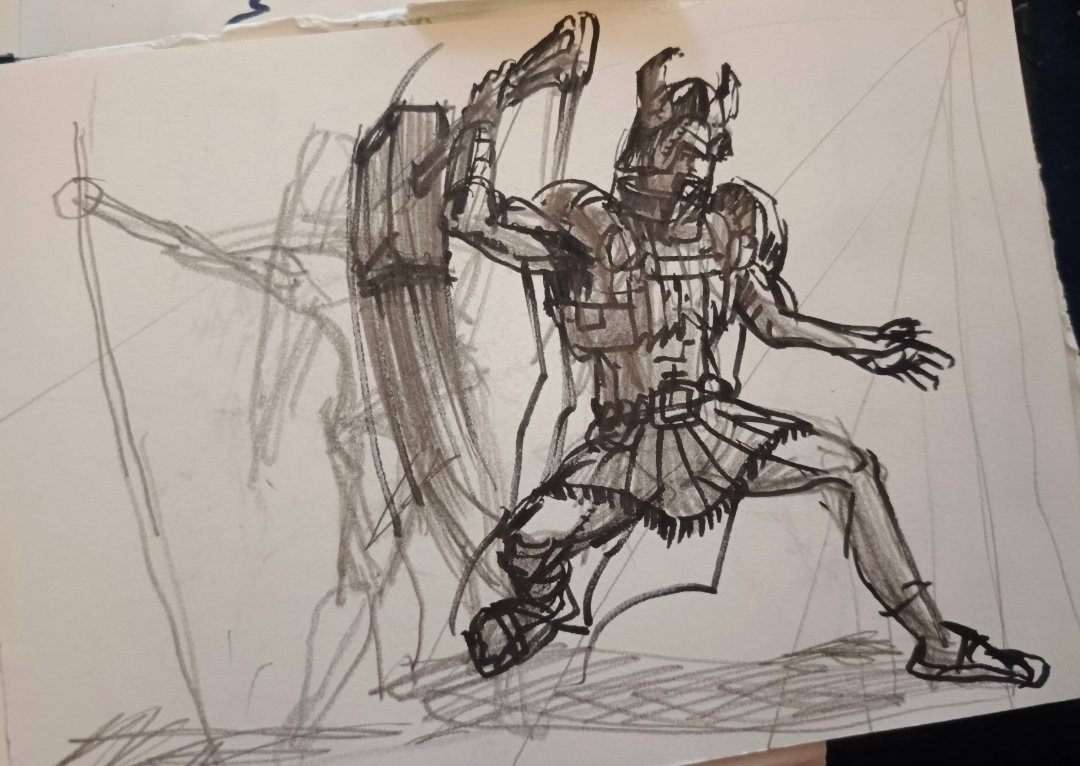
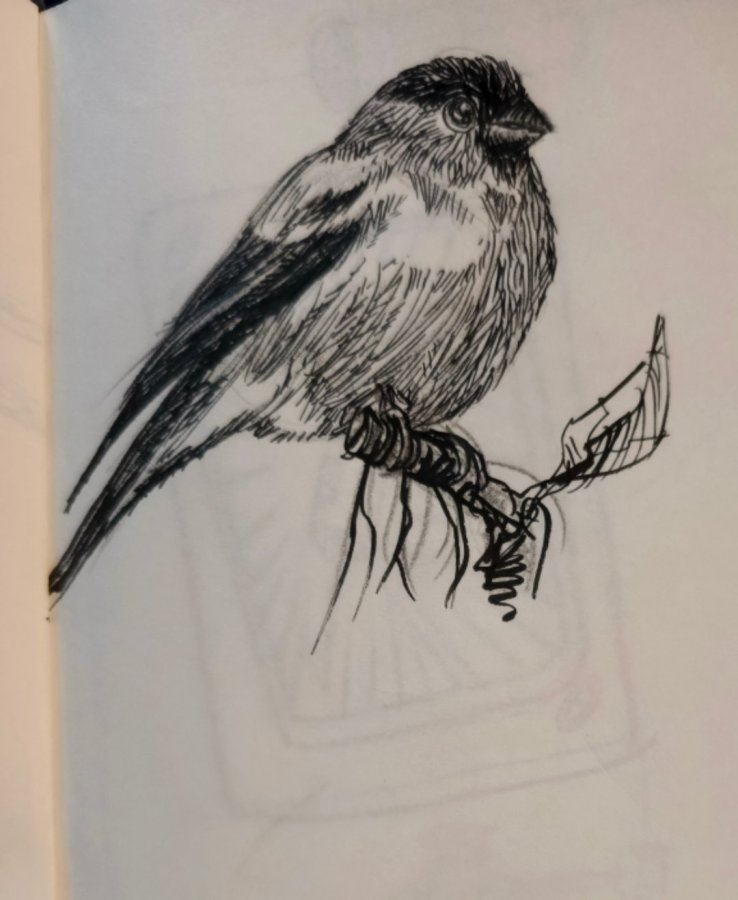
Kilka stron że szkicownika



-
Takie szybkie szkicowanie


-
-
coś tam trochę umiem w blenderze zrobić, bardziej chodzi mi o naukę realnego sposobu modelowania aut, od początku do końca, jeśli jest to w kursie po kolei i logicznie wytłumaczone, to dam radę ;]
-
idziesz jak burza, musze obczaić ten kurs czy by mi pomógł w ogarnięciu się 3d ;]
-
-
Magic, i potem weź człowieku coś próbuj w czyde :)ciut dalej, krzywe to wszystko ale jakoś mi się chce pociągnąć ;]
 jakieś dalsze małe rozkimnki ;]
Powiadomienie o plikach cookie
Wykorzystujemy cookies. Przeczytaj więcej Polityka prywatności Umieściliśmy na Twoim urządzeniu pliki cookie, aby pomóc Ci usprawnić przeglądanie strony. Możesz dostosować ustawienia plików cookie, w przeciwnym wypadku zakładamy, że wyrażasz na to zgodę.



.jpg.d18cdf7d709ab3731b101f13c6f19f9b.jpg)


Account
Navigation
Szukaj
Configure browser push notifications
Chrome (Android)
- Tap the lock icon next to the address bar.
- Tap Permissions → Notifications.
- Adjust your preference.
Chrome (Desktop)
- Click the padlock icon in the address bar.
- Select Site settings.
- Find Notifications and adjust your preference.
Safari (iOS 16.4+)
- Ensure the site is installed via Add to Home Screen.
- Open Settings App → Notifications.
- Find your app name and adjust your preference.
Safari (macOS)
- Go to Safari → Preferences.
- Click the Websites tab.
- Select Notifications in the sidebar.
- Find this website and adjust your preference.
Edge (Android)
- Tap the lock icon next to the address bar.
- Tap Permissions.
- Find Notifications and adjust your preference.
Edge (Desktop)
- Click the padlock icon in the address bar.
- Click Permissions for this site.
- Find Notifications and adjust your preference.
Firefox (Android)
- Go to Settings → Site permissions.
- Tap Notifications.
- Find this site in the list and adjust your preference.
Firefox (Desktop)
- Open Firefox Settings.
- Search for Notifications.
- Find this site in the list and adjust your preference.